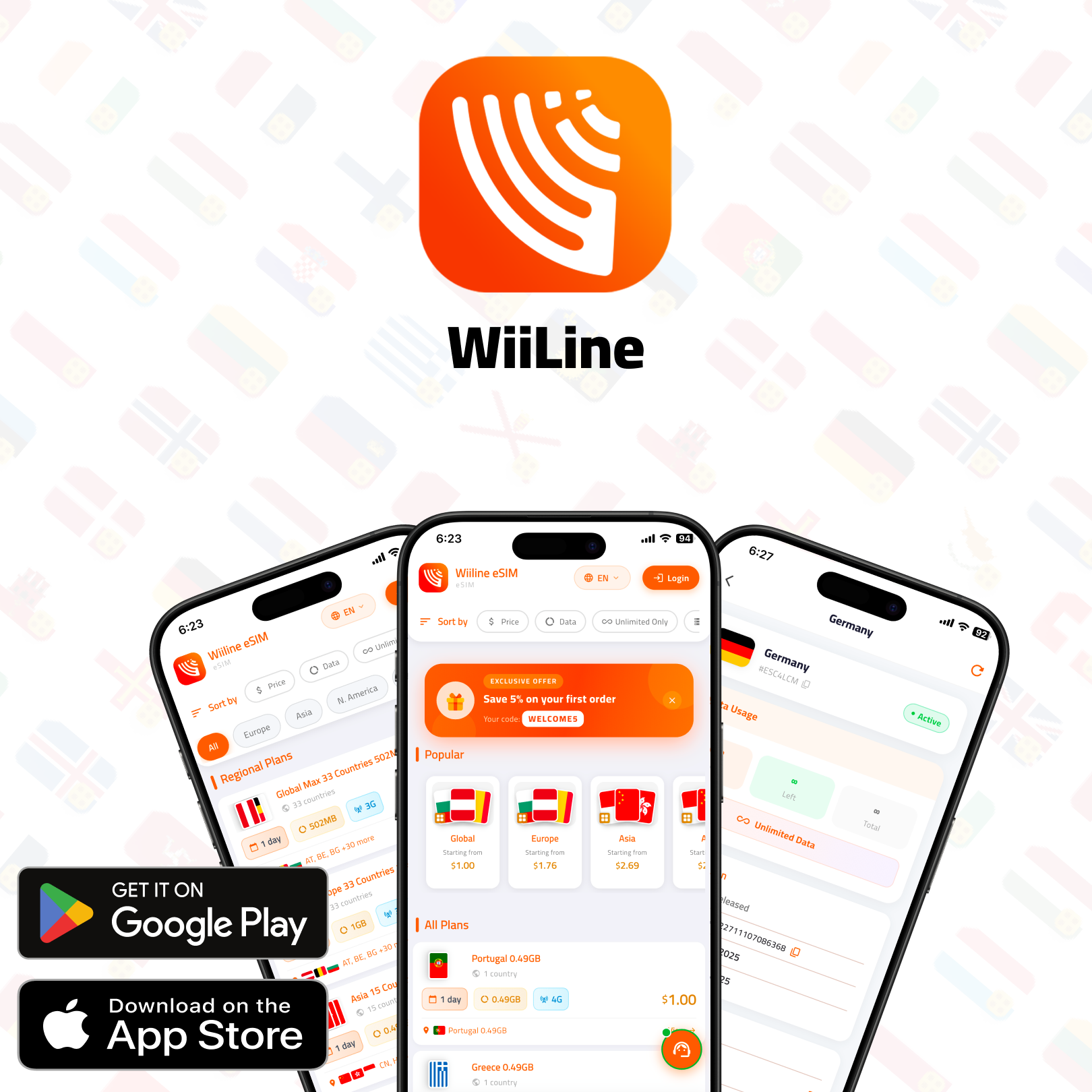

The new WiiLine app is here for iPhone and Android, bringing travel eSIM shopping, installation, payments and support into one place. Whether you are planning your next trip or managing an eSIM you already have, you can now handle these tasks directly in the app.
What's new
The new app brings the main steps of staying connected while travelling into one place: choosing a plan, installing your eSIM, checking your remaining data and getting help when you need it. Here is what you can do.
Buying and installing: from choosing a plan to adding your eSIM
WiiLine offers travel eSIMs for more than 190 countries, along with regional and global plans. That gives you options whether your itinerary centres on one destination or includes several stops.
You can buy a plan in a few taps and install the eSIM directly from the app. Installation options include a QR code or one-tap installation on iPhone and Android, depending on your compatible device.
Before purchasing, check that your phone supports eSIM using the installation and phone compatibility guide. It is a useful first step, especially if this will be your first travel eSIM.
You can also explore WiiLine's destinations and plans while working out what suits your route. Choose based on where you are going and the data you expect to use, rather than assuming every trip needs the same setup.
Paying: saved cards and the WiiLine wallet
Checkout now includes one-tap payment with a saved card. You can pay by card or use funds in your WiiLine wallet, keeping the choice of payment method with you.
Wallet top-ups are available in the app. When a top-up promotion is running, you can receive bonus credit with an eligible top-up. Bonus credit is promotional, so check the current offer rather than assuming every top-up includes it.
Your order history and invoices are also kept together. When you need to look back at a purchase or find an invoice after a trip, there is one place to check.
Managing data: see what is left and plan your next step
The app shows live data usage for each eSIM, making it easier to follow the plan you are actually using. Alerts at 50% and 90% give you a prompt to review your usage before you reach the end of your allowance.
A home screen widget shows your remaining data, so you can check what is left without opening the app each time. It is a practical way to keep an eye on usage during a busy travel day.
When you need more data, you can add it to an eSIM you already have. Optional auto-renew is also available if you prefer renewal to happen automatically. Choose the approach that fits your trip and review your settings before travelling.
A quick pre-trip routine can help:
- Check that you are signed in to the right account.
- Review the eSIM you plan to use and its remaining data.
- Decide whether you want to add data or enable optional auto-renew.
- Add the home screen widget if you want a quick view of your balance.
Support: help inside the app
If something is not working, built-in guided help covers common problems, including installation issues and no internet connection. Start there for guidance relevant to the problem you are facing.
You can also open a support ticket and chat with the support team inside the app. That keeps the conversation in the same place as the eSIM you are managing.
The app is available in 16 languages, including Arabic and English. You can also invite friends using your personal referral link. Check any applicable referral terms before sharing expectations about rewards.
Already a WiiLine customer?
You do not need to start again. Existing customers keep their account and eSIMs: update the app, then sign in with the same account you already use.
Once you are signed in, check your existing eSIMs and explore the updated tools. You can review usage, find your order history and invoices, and decide whether to use the widget or optional auto-renew for your next trip.
Frequently asked questions
Do I keep my existing eSIMs?
Yes. Your account and eSIMs stay with you. Update the app and sign in with the same account rather than creating a new one.
Which phones support eSIM?
Not every iPhone or Android phone supports eSIM. Check your specific model before buying, and use WiiLine's compatibility and installation guide to prepare.
How do I get help?
Open the app's built-in support. You can follow guided help for common installation and connection problems, or open a ticket to chat with the support team.
Ready for your next trip?
Download the new WiiLine app for iPhone on the App Store [APP STORE LINK] or for Android on Google Play [GOOGLE PLAY LINK].